
How to Build an E-commerce Shopping App
Short answer
Start an e-commerce app on top of a commerce backend you don't have to build, such as Shopify's Storefront API, Medusa or a Supabase catalog, and put a fast React Native and Expo app in front of it. Version one needs browsing, search, product pages with variants, a persistent cart, a card and wallet checkout, order tracking and push notifications. Physical goods can use Stripe or Shopify checkout, not Apple in-app purchase.
A shopping app earns its place on the home screen by being faster than the mobile website and by remembering the customer. That means instant product lists, saved carts, one-tap wallet checkout and notifications people actually want.
Most of the work is not the catalog. It's search, images, checkout edge cases and the content team's ability to update the store without a release.
Last updated November 19, 2026
Features for the first version
Catalog and categories
Collections, filters for size, colour and price, sorting and stock status.
Search
Typo-tolerant search with recent searches. Use the backend's search or a hosted index such as Algolia or Meilisearch.
Product page with variants
Image gallery, size and colour pickers, price per variant, delivery estimate.
Persistent cart
Saved on the device and synced to the account so it survives reinstalls and moves between devices.
Checkout
Address, shipping method, Apple Pay and Google Pay, cards, discount codes.
Orders and tracking
Order list, status, carrier tracking link and returns request.
Wishlist
Saved items that can trigger back-in-stock and price-drop notifications later.
Account
Sign in with Apple, Google and email, saved addresses, in-app account deletion.
Leave for version two
- Back-in-stock and price-drop push notifications
- Reviews with photos
- Live shopping and video product demos
- Loyalty points and member pricing
- AR try-on or room preview
Screens you'll need
- Home with collections and promos
- Category list with filters
- Search
- Product detail
- Cart
- Checkout
- Order confirmation and tracking
- Wishlist and account
Recommended tech stack
| Layer | Choice | Why |
|---|---|---|
| App | Expo + React Native + TypeScript | One app for iOS and Android with native performance on long product lists. |
| Commerce backend | Shopify Storefront API, Medusa, or Supabase | Shopify if the store already exists; Medusa or Supabase for full control. |
| Lists and images | FlashList + expo-image | Recycled list cells and cached, resized images keep the catalog smooth. |
| Payments | Stripe or Shopify checkout | Wallets and cards for physical goods, no in-app purchase needed. |
| Data fetching | TanStack Query | Caching and background refresh for catalog and cart. |
| Push | expo-notifications | Order updates and opt-in marketing. |
| Content | Headless CMS or backend-driven home screen | Merchandisers change banners without an app release. |
How to build it, step by step
- 01
Choose the commerce backend
Don't build inventory, tax and order management yourself. Pick Shopify, Medusa or a Supabase schema and stick to its data model.
- 02
Build the catalog read path
Home, category, search and product pages with real data and real images. Measure scroll performance on a low-end Android phone.
- 03
Build the cart and checkout
Persist the cart, handle stock running out between add and pay, and test wallet payments end to end.
- 04
Add accounts and orders
Sign in late, not at launch: let people browse and fill a cart before you ask them to sign in.
- 05
Add notifications and deep links
Product and collection links from email, ads and social should open the app at the right screen.
- 06
Instrument and launch
Track add-to-cart, checkout start and purchase so you can see where people drop off, then submit to both stores.
Common problems and how to avoid them
Catalog performance
Hundreds of product images will stutter on a plain FlatList. Use FlashList and request images at the size you display.
Cart and stock drift
Validate price and stock on the server at checkout; the app's copy is always a little stale.
Store review for thin apps
Apple rejects apps that are just a website in a wrapper (guideline 4.2). Native navigation, push, wallet checkout and offline cart show real app value.
Content changes without releases
Drive the home screen from the backend, and use EAS Update for small fixes.
Store rules, privacy and regulation
- Physical goods may use any payment processor; digital goods and subscriptions unlocked in the app must use in-app purchase on iOS.
- Show prices with tax rules for each country you sell in, and a clear returns policy.
- Marketing push notifications need explicit opt-in (App Store guideline 4.5.4).
- Collecting addresses and payment data means a privacy policy and accurate App Store privacy labels and Play data safety form.
This is general guidance, not legal advice. Check the current store guidelines and local law for your market.
What drives cost and timeline
Cost depends far more on scope than on the category. These are the decisions that move a e-commerce app from a small build to a large one:
- Using an existing commerce platform versus building inventory and orders
- Number of products, variants and markets
- Custom checkout versus the platform's checkout
- Integrations with ERP, warehouse or loyalty systems
For sourced figures, see what it costs to hire a React Native developer versus an AI app builder and the yearly cost of maintaining an app. Starting from a template or a free design cuts the screens and setup work, not the business logic.
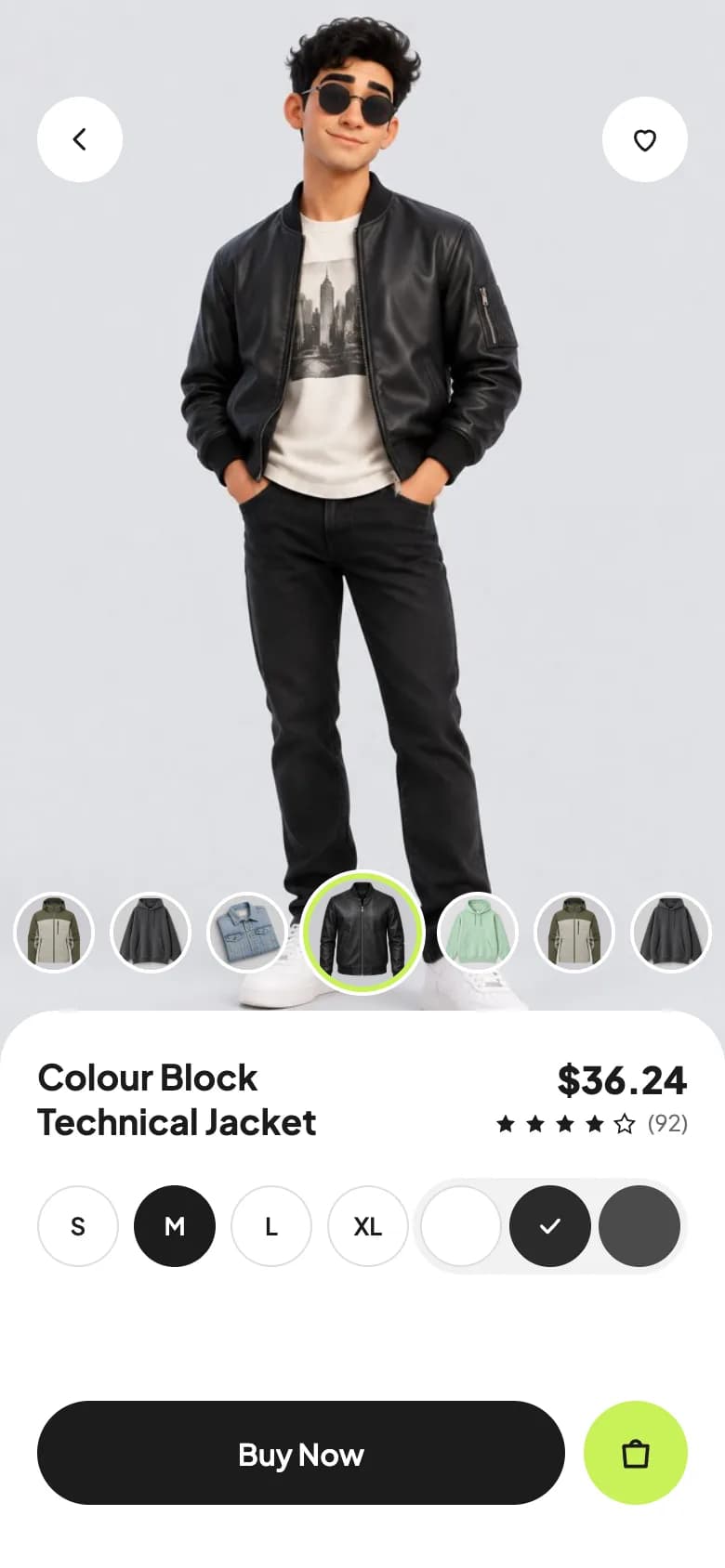
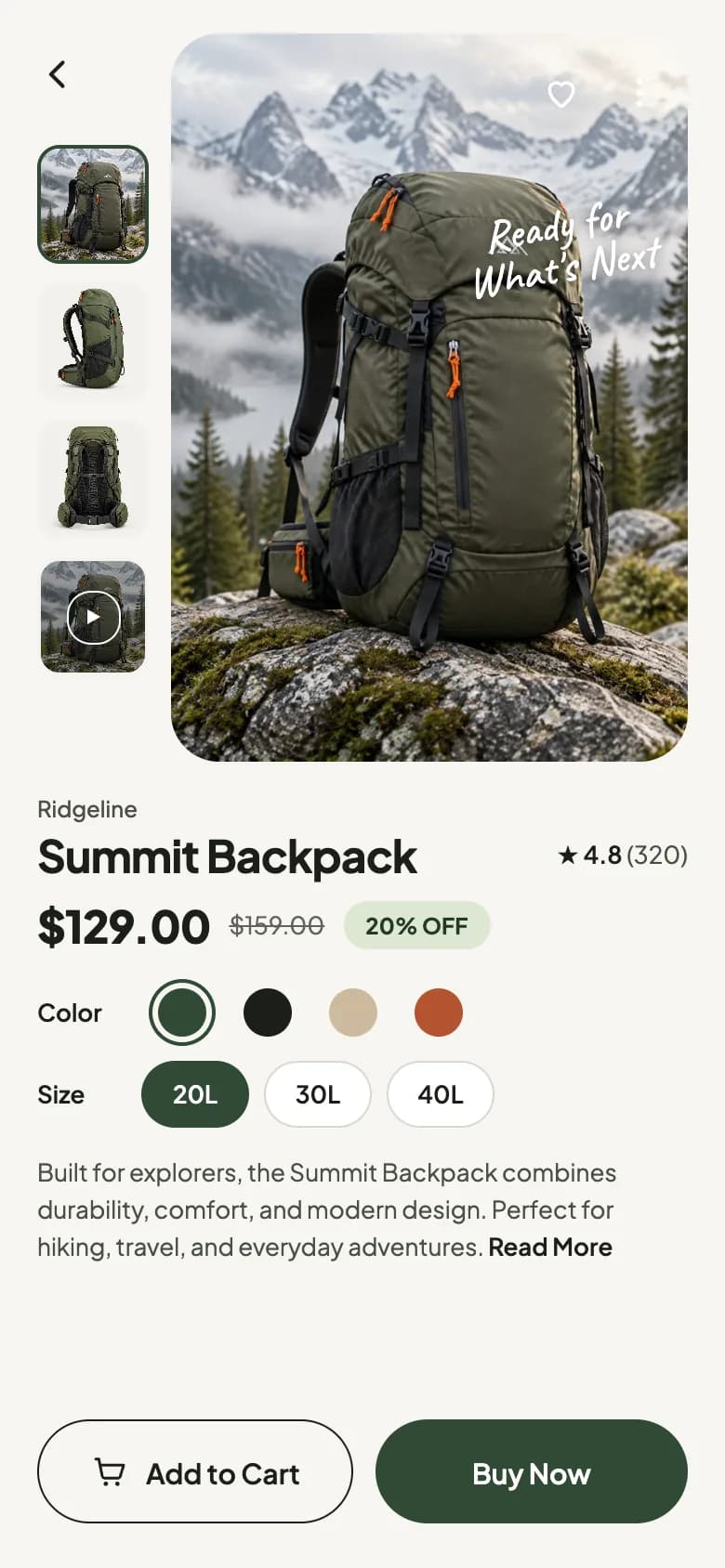
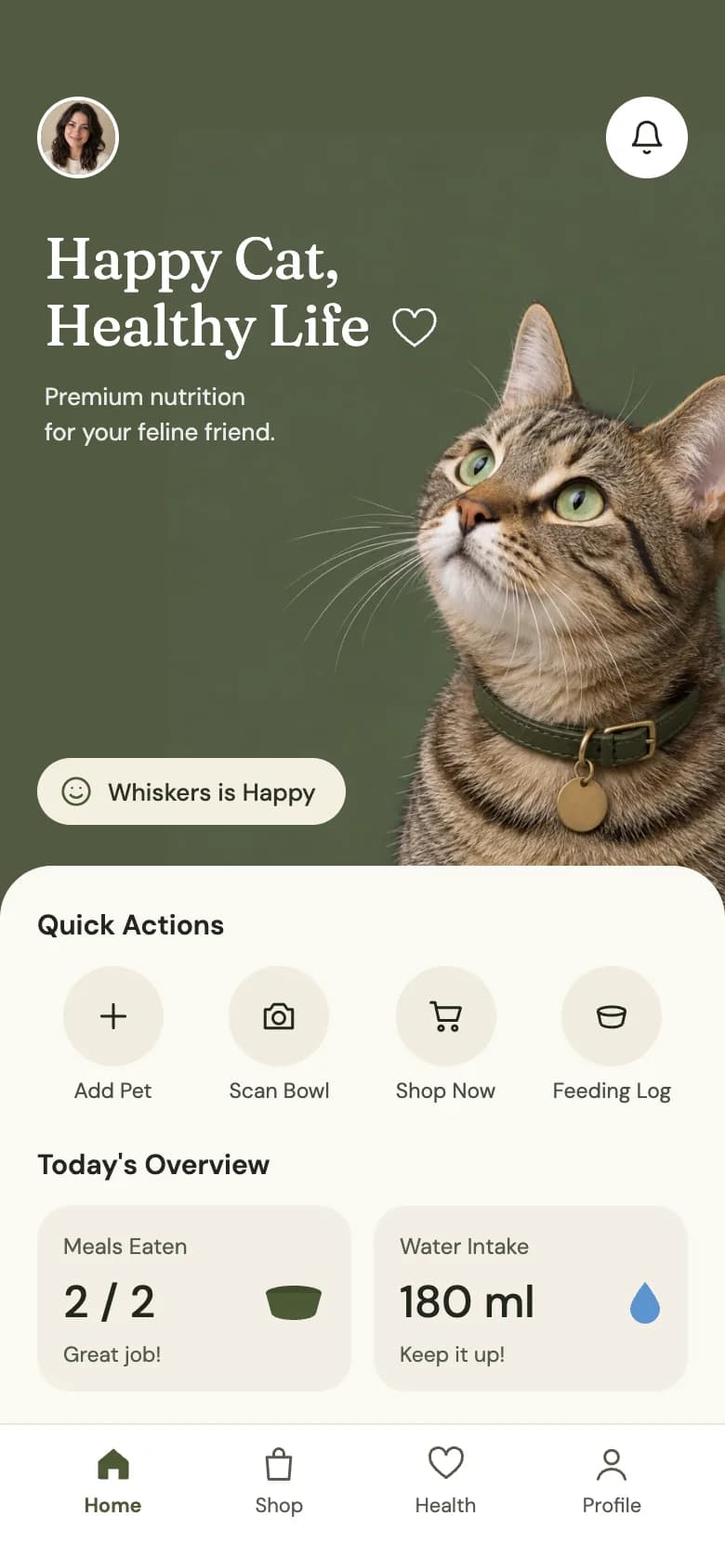
Free e-commerce app UI designs with Expo code
Start from working code
Go deeper
FlashList v2 vs FlatList: Which React Native List Should You Use in 2026?
FlashList v2 vs FlatList for React Native: how recycling works, why estimatedItemSize is gone, masonry and chat layouts, migration steps and performance tips.
expo-image: Faster, Smoother Images in React Native
Replace React Native's Image with expo-image for caching, blurhash placeholders and smooth transitions. Covers contentFit, cachePolicy and migration. SDK 54+.
React Native State Management 2026: Zustand vs Redux vs TanStack Query
React Native state management in 2026: compare Zustand, Redux Toolkit, Jotai and TanStack Query with code, split server and client state, and pick a stack.
EAS Update Guide: Over-the-Air (OTA) Updates for Expo Apps
Ship Expo bug fixes without app store review. Set up EAS Update with channels and runtime versions, run percentage rollouts, roll back, and use useUpdates.
How to Add Push Notifications to an Expo App (expo-notifications)
Local and push notifications in Expo: set up expo-notifications, request permissions, schedule reminders, get a push token and handle taps. SDK 54+ examples.
Frequently asked questions
Should I build an e-commerce app or just a mobile website?
Start with a fast mobile website if you have no repeat customers yet. An app pays off once people buy more than once, because it keeps them signed in, remembers the cart and can send order and back-in-stock notifications.
Can a React Native app use Shopify?
Yes. The Shopify Storefront API gives a React Native app products, collections, carts and checkout, so you keep Shopify's admin and order management and build a fully native front end.
Do shopping apps need Apple in-app purchase?
No, not for physical goods. Apple and Google allow card and wallet payments for physical products shipped to the customer. In-app purchase applies to digital content and subscriptions used inside the app.
How do I keep a product catalog fast in React Native?
Use FlashList for long lists, expo-image with correctly sized image URLs and caching, and TanStack Query to cache pages so going back is instant.
More app development guides
Food delivery
How to Build a Food Delivery App
Fitness & health
How to Build a Fitness or Health Tracking App
Banking & finance
How to Build a Banking or Personal Finance App
Real estate
How to Build a Real Estate Listing App
Social media
How to Build a Social Media App
Chat & messaging
How to Build a Chat Messaging App
Doctor booking & telehealth
How to Build a Doctor Appointment Booking App
Travel
How to Build a Travel Booking or Trip Planner App
E-learning
How to Build an E-learning App
Start here
The complete mobile app development guide