
How to Build a Fitness or Health Tracking App
Short answer
A fitness app is a habit loop: log something, see progress, get nudged to come back. Build it with React Native and Expo, read steps, workouts and heart rate from Apple HealthKit and Android Health Connect in a development build, store data locally first with SQLite so logging works offline, and sell premium plans through in-app subscriptions with RevenueCat. Treat health data as sensitive from day one.
Most fitness apps don't fail on features. They fail because people stop opening them in week two. The best first versions do one thing well, such as workout logging, running, nutrition or coaching, and make the progress visible.
This guide covers the features, the platform health APIs, subscriptions and the privacy rules that apply to health data.
Last updated November 19, 2026
Features for the first version
One core logging flow
Workouts, runs, meals or habits. Two taps to log, works offline.
Progress views
Streaks, weekly totals and charts that show change over time.
HealthKit and Health Connect sync
Read steps, workouts and heart rate with permission; optionally write workouts back.
Plans or programs
A structured plan, even a simple one, gives people a reason to return tomorrow.
Reminders
Local notifications at the time the user chooses.
Subscriptions
Free tier plus a premium plan with a trial, through in-app purchase.
Onboarding and goals
Ask for the goal and level, then tailor the first plan.
Leave for version two
- Apple Watch and Wear OS companion apps
- AI coaching and plan adjustment
- Social challenges and leaderboards
- Home screen widgets with today's progress
- Video workouts with offline downloads
Screens you'll need
- Onboarding and goal setup
- Today dashboard
- Log workout or activity
- Progress and charts
- Plan or program view
- Paywall
- Settings, permissions and data export
Recommended tech stack
| Layer | Choice | Why |
|---|---|---|
| App | Expo + React Native + TypeScript | Cross-platform UI with native modules for health data. |
| Health data | @kingstinct/react-native-healthkit and react-native-health-connect | Native health stores on each platform; needs a development build, not Expo Go. |
| Local storage | expo-sqlite | Offline-first logging with fast queries for charts. |
| Sync and auth | Supabase or Firebase | Backup and multi-device sync with row-level access rules. |
| Subscriptions | RevenueCat (react-native-purchases) | One API over StoreKit and Google Play Billing, trials and paywalls. |
| Charts | Victory Native or react-native-gifted-charts | Progress charts rendered with Skia or SVG. |
| Reminders | expo-notifications (local) | Scheduled nudges without a server. |
How to build it, step by step
- 01
Pick the one habit
Decide what the user logs every day. Everything in version one should support that loop.
- 02
Build offline logging
Store entries in SQLite first, sync in the background. Logging must never wait for the network.
- 03
Add progress and streaks
Show the user what changed this week. This is the screen that brings them back.
- 04
Integrate health stores
Create a development build, request only the data types you use, and explain each one in the permission text.
- 05
Add the paywall
Set up products in App Store Connect and Play Console, wire RevenueCat, and test purchases with sandbox accounts.
- 06
Launch and measure retention
Watch day-1, day-7 and day-30 retention. Improve the loop before you add features.
Common problems and how to avoid them
Retention
Reminders, streaks and plans matter more than extra features. Measure week-two retention before building more.
Health permission review
Apple rejects apps that request HealthKit data they don't visibly use, and Google requires a Health Connect declaration in Play Console.
Background sync limits
Mobile operating systems limit background work. Sync when the app opens and on health store change events, not on a timer.
Medical claims
Saying the app diagnoses or treats a condition can make it a regulated medical device. Keep wellness claims to wellness.
Store rules, privacy and regulation
- HealthKit data can't be used for advertising or sold, and must not be stored in iCloud (App Store guideline 5.1.3).
- Google Play requires a Health Connect permissions declaration and a privacy policy that covers health data.
- In the EU, health data is special-category data under GDPR and needs explicit consent.
- Digital subscriptions unlocked in the app must use in-app purchase on iOS and Google Play Billing on Android.
This is general guidance, not legal advice. Check the current store guidelines and local law for your market.
What drives cost and timeline
Cost depends far more on scope than on the category. These are the decisions that move a fitness & health app from a small build to a large one:
- Watch apps, which are separate native targets
- Video content and offline downloads
- Coaching features with human coaches or AI
- How many health data types you read and write
For sourced figures, see what it costs to hire a React Native developer versus an AI app builder and the yearly cost of maintaining an app. Starting from a template or a free design cuts the screens and setup work, not the business logic.
Free fitness & health app UI designs with Expo code
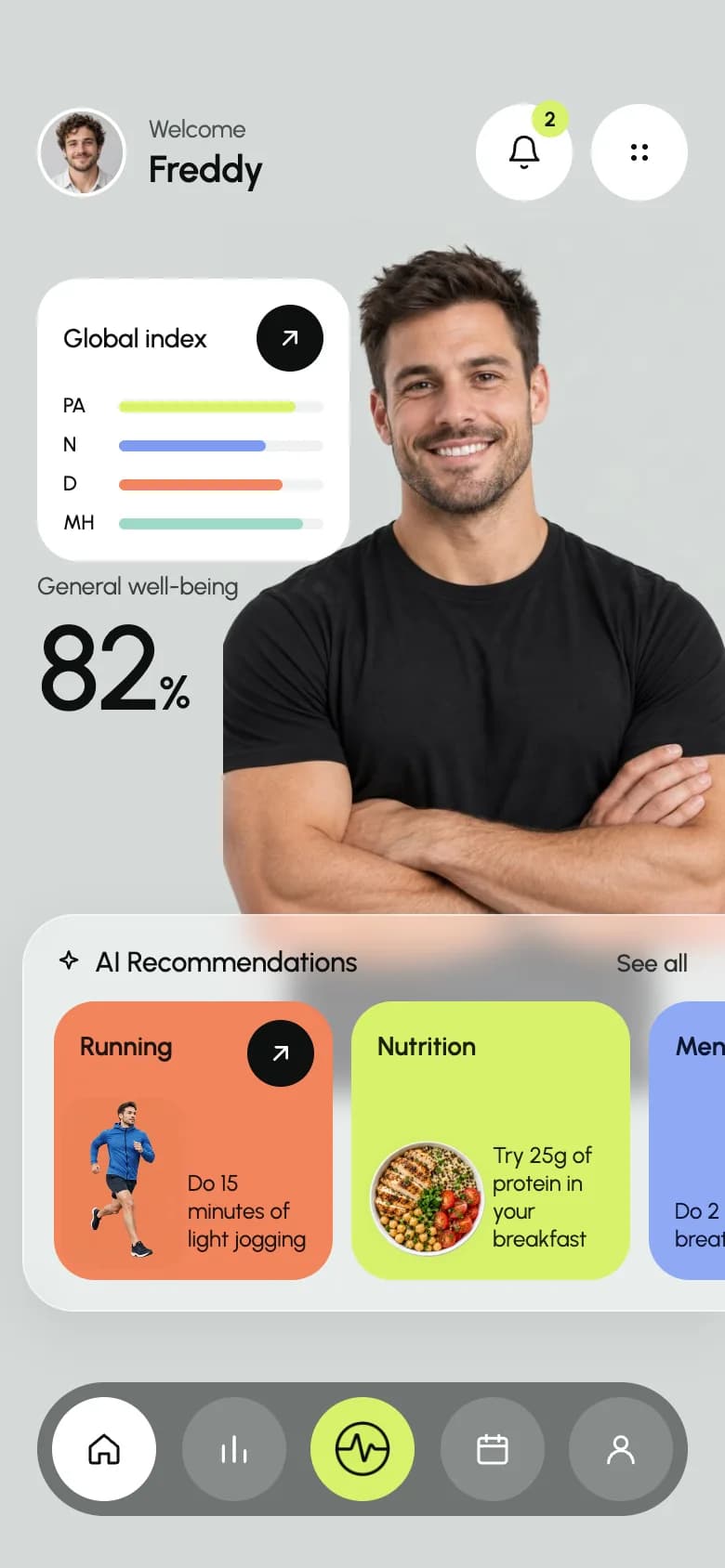
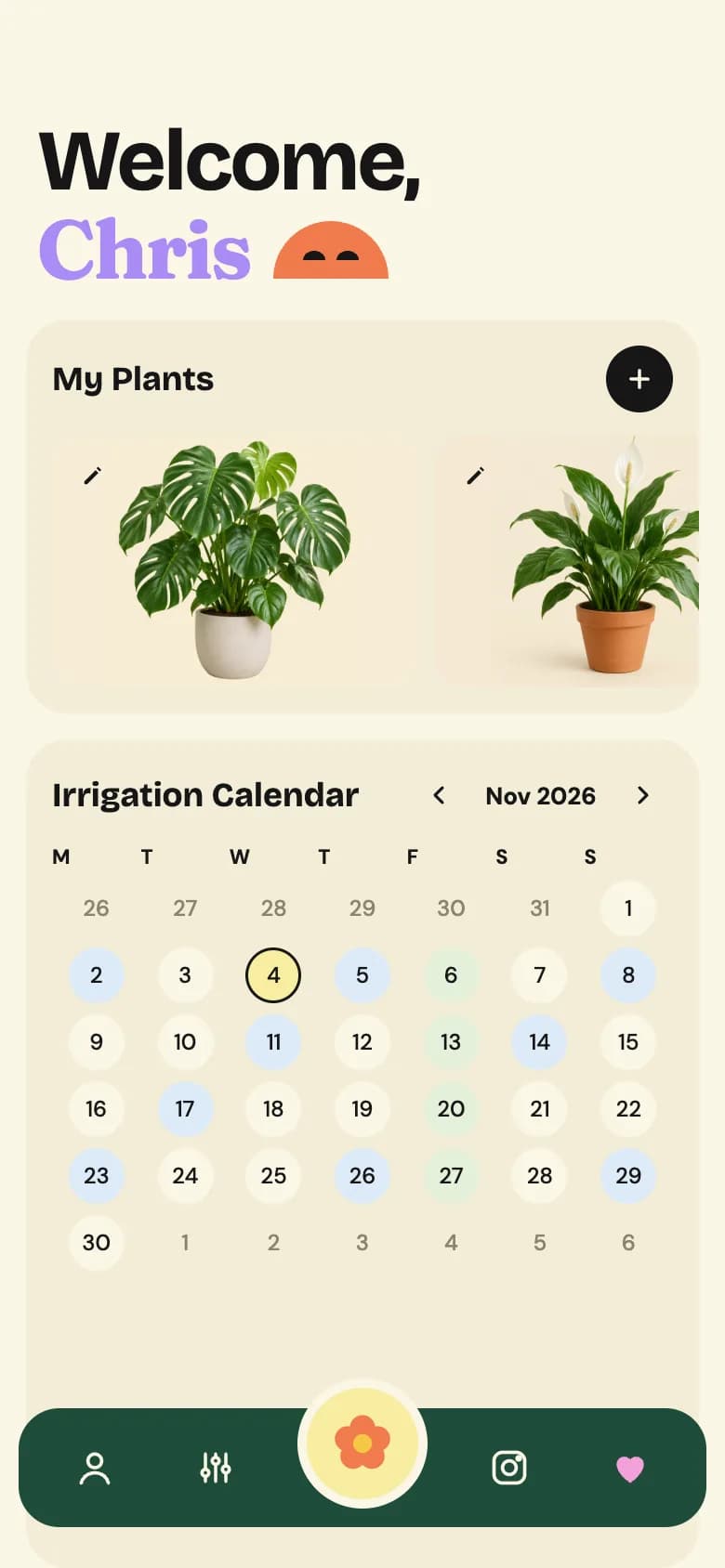
Start from working code
Go deeper
Local Database in Expo with expo-sqlite (Offline Data Guide)
Add an on-device SQL database to Expo with expo-sqlite: create tables, run parameterized queries, use transactions and build an offline data layer. SDK 54+.
In-App Purchases and Subscriptions in Expo with RevenueCat (2026 Guide)
Add in-app purchases and subscriptions to Expo with RevenueCat: set up react-native-purchases, fetch offerings, check entitlements and show native paywalls.
Expo Widgets Guide: Home Screen Widgets and Live Activities in React Native
Build iOS and Android home screen widgets and iOS Live Activities in Expo with expo-widgets: config plugin setup, Expo UI layouts, snapshots and timelines.
On-Device AI in React Native: Run LLMs Offline in Expo Apps (2026)
Add private, offline AI to Expo apps. Compare React Native ExecuTorch, Apple Foundation Models and cloud LLMs, with setup code and a hybrid fallback pattern.
Expo Haptics Guide: Add Vibration and Haptic Feedback to React Native Apps
Add native haptic feedback to Expo apps with expo-haptics: impact, notification and selection feedback, Android haptics, a reusable hook and UX rules.
Frequently asked questions
Can an Expo app read Apple Health and Google Fit data?
Yes, through native modules in a development build. On iOS use a HealthKit library such as @kingstinct/react-native-healthkit; on Android use Health Connect, which replaces Google Fit, via react-native-health-connect. They don't run in Expo Go.
How do fitness apps make money?
Most use a free tier with a monthly or yearly subscription, often with a free trial. On iOS and Android the subscription must go through in-app purchase; RevenueCat is the common way to manage it in React Native.
Is a fitness app a medical device?
Usually not, as long as it makes wellness claims such as tracking activity or encouraging exercise. Claims to diagnose, treat or prevent a disease can bring medical device rules into play.
Should a fitness app work offline?
Yes. People log workouts in gyms and on runs with poor signal. Write to local SQLite first and sync to the server in the background.
More app development guides
Food delivery
How to Build a Food Delivery App
E-commerce
How to Build an E-commerce Shopping App
Banking & finance
How to Build a Banking or Personal Finance App
Real estate
How to Build a Real Estate Listing App
Social media
How to Build a Social Media App
Chat & messaging
How to Build a Chat Messaging App
Doctor booking & telehealth
How to Build a Doctor Appointment Booking App
Travel
How to Build a Travel Booking or Trip Planner App
E-learning
How to Build an E-learning App
Start here
The complete mobile app development guide