
How to Build a Travel Booking or Trip Planner App
Short answer
Decide first whether you're building a booking app or a trip planner. Booking apps sell flights, hotels or tours through inventory APIs and affiliate programmes; trip planners organise itineraries, maps and documents. Either way, build it with React Native and Expo, cache itineraries offline with SQLite because travellers lose signal, use react-native-maps for places, and take payments with Stripe or the supplier's checkout, since travel is a real-world service.
Travel is a crowded category, so the apps that work pick a niche: adventure trips, group travel, a region, or a planning style. The big booking sites own generic search.
This guide covers both booking and planning apps and the offline work both need.
Last updated November 19, 2026
Features for the first version
Discover and search
Destinations, dates, travellers and filters that match your niche.
Detail pages
Photos, itinerary, inclusions, reviews and cancellation policy.
Booking or saving
Book through the supplier or save to a trip.
Itinerary
Day-by-day plan with times, places and confirmation numbers.
Offline access
Tickets, bookings and the itinerary available with no signal.
Map of the trip
Places on a map with directions handed off to the maps app.
Leave for version two
- Shared trips and group planning
- Price alerts
- AI itinerary generation
- Expense splitting
- Live Activities for flights and check-in
Screens you'll need
- Discover
- Search results
- Trip or package detail
- Checkout
- My trips
- Itinerary day view
- Trip map
Recommended tech stack
| Layer | Choice | Why |
|---|---|---|
| App | Expo + React Native + TypeScript | One app, native maps and offline storage. |
| Inventory | Supplier APIs (e.g. Duffel for flights) or affiliate programmes | Real-time prices and booking without your own inventory. |
| Offline | expo-sqlite + expo-file-system | Itineraries and ticket PDFs stored on the device. |
| Maps | react-native-maps | Trip pins and routes. |
| Payments | Stripe or supplier checkout | Travel is a real-world service, so in-app purchase doesn't apply. |
| Calendar | expo-calendar | Add flights and bookings to the user's calendar. |
How to build it, step by step
- 01
Choose booking or planning
Booking needs supplier contracts or affiliate approval; planning can launch with no inventory.
- 02
Pick the niche
A clear audience lets you compete with large booking sites on curation, not price.
- 03
Build search and detail
Cache searches and handle prices that change between search and checkout.
- 04
Build trips and itineraries
Save everything locally first, then sync.
- 05
Add offline and maps
Download what a traveller needs before they leave.
- 06
Launch with real content
Ten excellent trips beat a thousand empty listings.
Common problems and how to avoid them
Price changes
Fares and rates change between search and booking. Re-price at checkout and explain changes.
Supplier access
Some booking APIs require approval, volume or a travel licence; affiliate links are easier to start with.
Offline
Assume no signal abroad. Test the whole trip flow in airplane mode.
Time zones
Show local times at each destination, and store everything with a time zone.
Store rules, privacy and regulation
- Selling package holidays can bring consumer protection rules, such as the EU Package Travel Directive.
- Passport and identity data is sensitive; store only what bookings need, and encrypt it.
- Travel is a service used outside the app, so card payments are allowed instead of in-app purchase.
This is general guidance, not legal advice. Check the current store guidelines and local law for your market.
What drives cost and timeline
Cost depends far more on scope than on the category. These are the decisions that move a travel app from a small build to a large one:
- Direct supplier integrations versus affiliate links
- Number of inventory types (flights, hotels, tours)
- Group planning and sharing
- Offline maps
For sourced figures, see what it costs to hire a React Native developer versus an AI app builder and the yearly cost of maintaining an app. Starting from a template or a free design cuts the screens and setup work, not the business logic.
Free travel app UI designs with Expo code
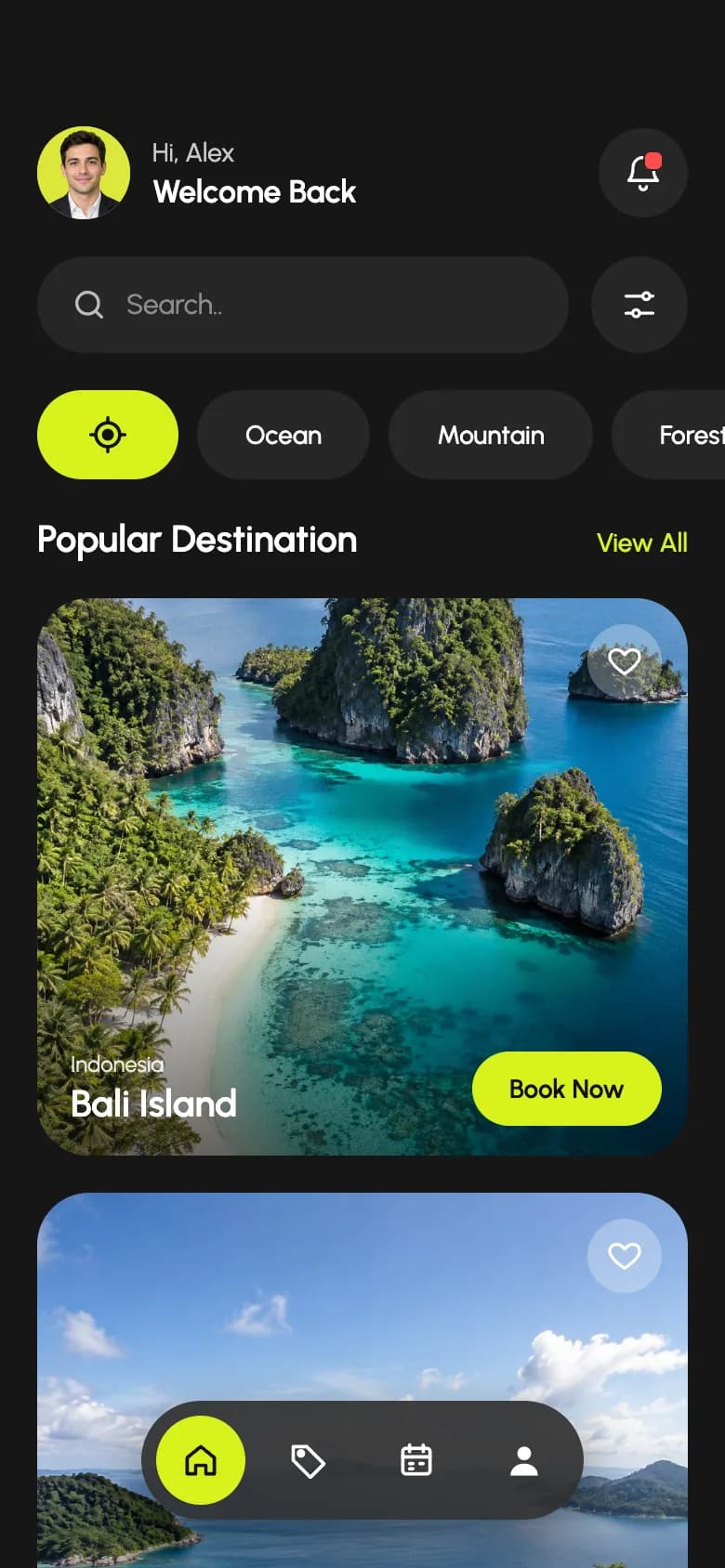
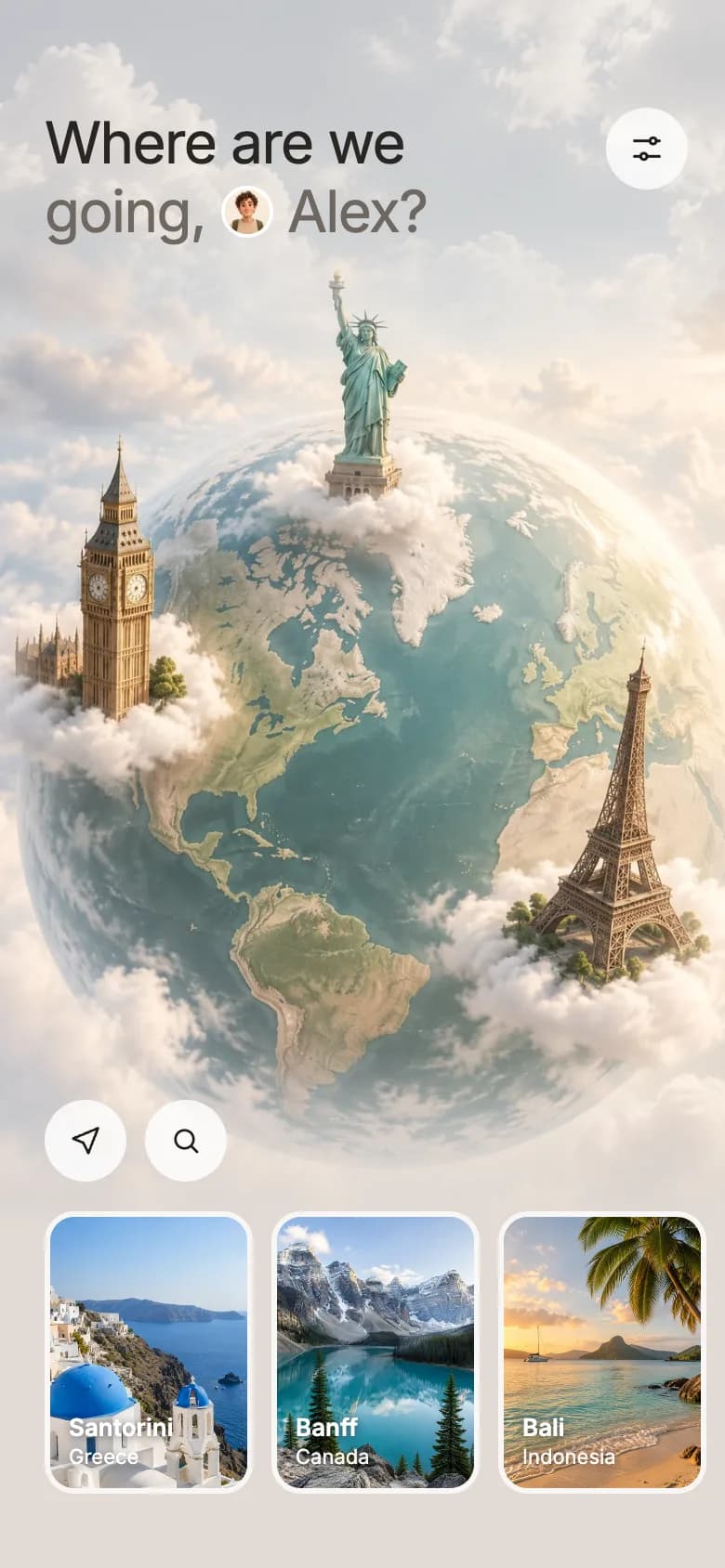
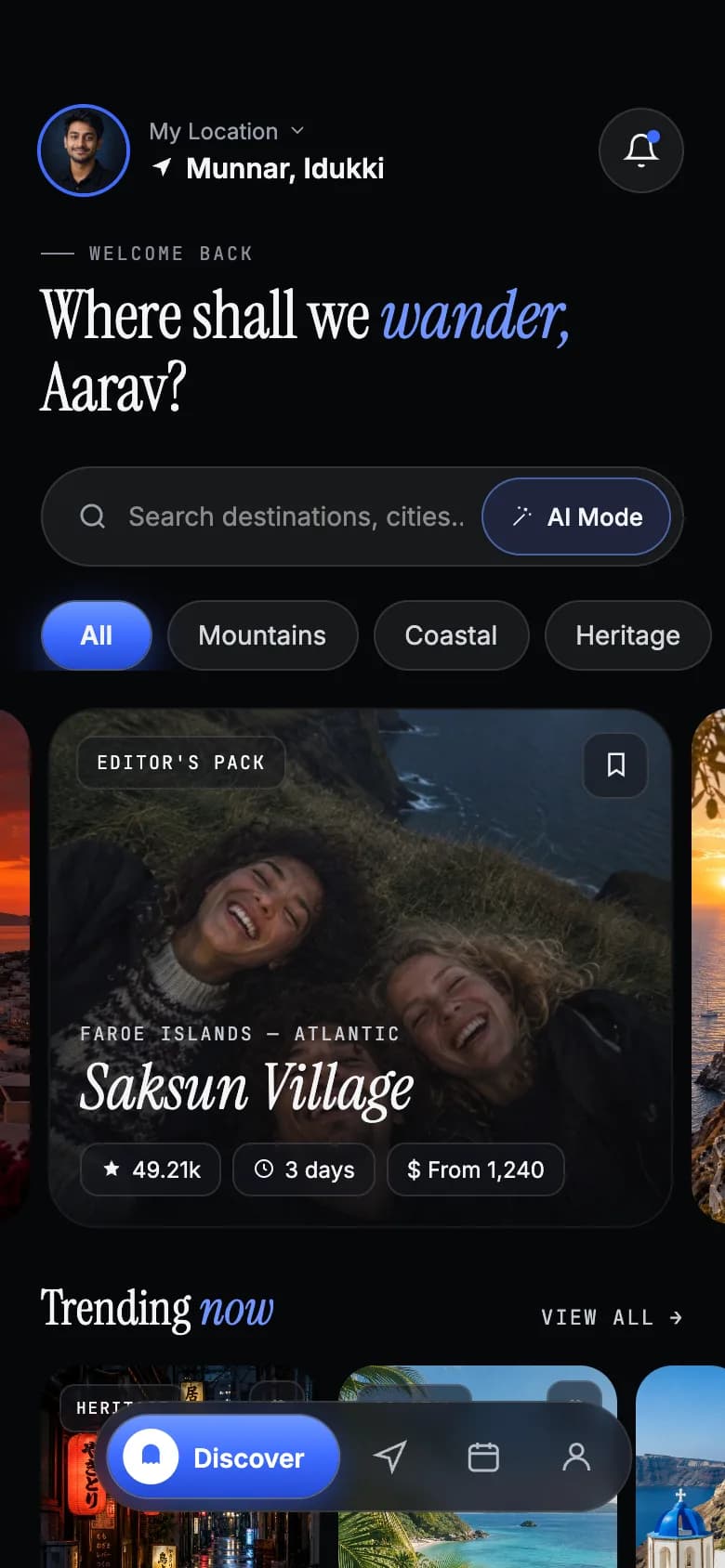
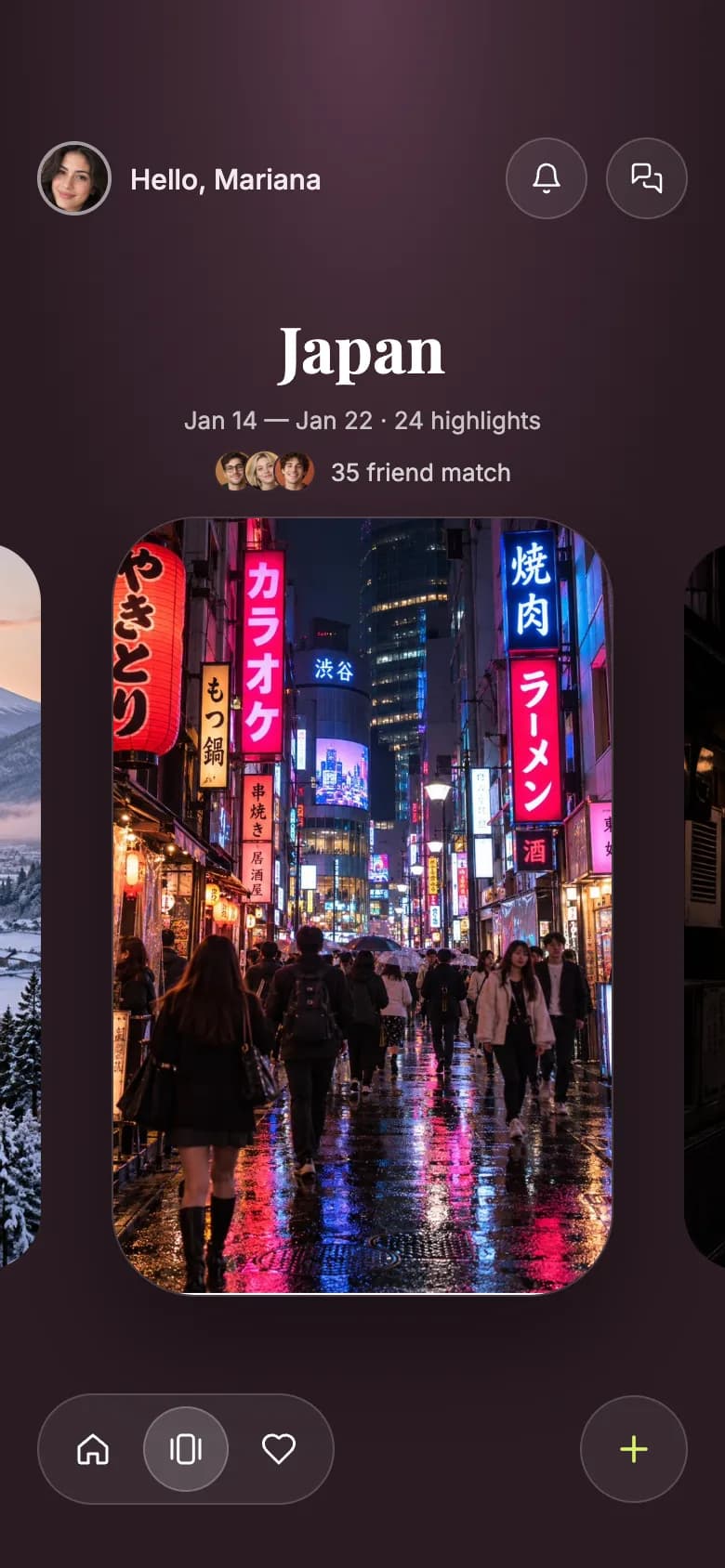
Start from working code
Go deeper
Local Database in Expo with expo-sqlite (Offline Data Guide)
Add an on-device SQL database to Expo with expo-sqlite: create tables, run parameterized queries, use transactions and build an offline data layer. SDK 54+.
Reading and Writing Files in Expo (expo-file-system Guide)
Save, read and delete files in Expo with the new expo-file-system File and Paths API. Cache JSON, persist user data and list directories. SDK 54+ examples.
How to Get the User's Location in Expo (expo-location Guide)
Add geolocation to Expo with expo-location: request permissions, get the current position, watch live updates and reverse-geocode to an address. SDK 54+.
Expo Widgets Guide: Home Screen Widgets and Live Activities in React Native
Build iOS and Android home screen widgets and iOS Live Activities in Expo with expo-widgets: config plugin setup, Expo UI layouts, snapshots and timelines.
Frequently asked questions
How do travel apps get flight and hotel data?
Through supplier and aggregator APIs, such as Duffel for flights, or through affiliate programmes from booking platforms. Direct APIs give more control but often need approval; affiliate links are the fastest way to start.
Should a travel app work offline?
Yes. Travellers often have no data abroad or on planes. Store itineraries, confirmations and ticket files on the device with SQLite and the file system, and sync when back online.
Can a trip planner app use AI?
Yes. AI is useful for drafting itineraries from preferences, but always let users edit the plan and check opening hours and prices against real data.
More app development guides
Food delivery
How to Build a Food Delivery App
E-commerce
How to Build an E-commerce Shopping App
Fitness & health
How to Build a Fitness or Health Tracking App
Banking & finance
How to Build a Banking or Personal Finance App
Real estate
How to Build a Real Estate Listing App
Social media
How to Build a Social Media App
Chat & messaging
How to Build a Chat Messaging App
Doctor booking & telehealth
How to Build a Doctor Appointment Booking App
E-learning
How to Build an E-learning App
Start here
The complete mobile app development guide