
How to Build a Food Delivery App
Short answer
A food delivery app is really three apps: a customer app for browsing menus and ordering, a courier app that shares live location, and a restaurant dashboard that accepts orders. Build them on one React Native and Expo codebase, take payments with Stripe (physical goods are exempt from Apple's in-app purchase rule), stream order status and courier location over a realtime backend such as Supabase or Firebase, and launch in one city before you add a second.
Food delivery looks like a menu and a checkout, but the hard part is the moving order: three parties watching the same order change state in real time, with a courier's position updating every few seconds. Get that loop right and the rest is a well-built shopping app.
This guide covers what to build first, what to leave out, the stack we'd use with Expo, and the problems that catch most first versions.
Last updated November 19, 2026
Features for the first version
Restaurant and menu browsing
Search, categories, opening hours, delivery radius and item options such as size, extras and notes.
Cart and checkout
One restaurant per cart, delivery address with map pin confirmation, tip, fees and taxes shown before payment.
Card and wallet payments
Stripe with Apple Pay and Google Pay. Authorise on order, capture when the restaurant accepts.
Live order status
Placed, accepted, preparing, picked up, arriving, delivered, pushed to the customer and shown in-app.
Courier location on a map
The courier app sends location while on a job; the customer sees the pin move and an ETA.
Restaurant order screen
Accept or reject with a prep time, mark ready, pause the store when the kitchen is busy.
Push notifications
Order updates for customers, new jobs for couriers, new orders with sound for restaurants.
Account, addresses and order history
Saved addresses, reorder, receipts and in-app account deletion.
Leave for version two
- Scheduled orders and group orders
- Promo codes, loyalty points and subscriptions for free delivery
- Live Activities on iOS and ongoing notifications on Android for order tracking
- Courier batching (two orders on one trip) and automatic dispatch
- Ratings, reviews and photo uploads
Screens you'll need
- Home with restaurants near you
- Restaurant menu
- Item detail with options
- Cart and checkout
- Live order tracking map
- Order history and receipt
- Courier: job offer, pickup, drop-off
- Restaurant: incoming orders, menu editor
Recommended tech stack
| Layer | Choice | Why |
|---|---|---|
| App | Expo + React Native + TypeScript | One codebase for the customer and courier apps on iOS and Android. |
| Navigation | Expo Router | File-based routes, deep links from push notifications to the right order. |
| Backend | Supabase (Postgres + Realtime) or Firebase | Order rows and courier positions stream to every party without polling. |
| Payments | @stripe/stripe-react-native | Cards, Apple Pay and Google Pay with manual capture for restaurant acceptance. |
| Maps | react-native-maps + a routing API | Map pins and polylines; Google or Mapbox Directions for ETA. |
| Location | expo-location + expo-task-manager | Background location for couriers while a job is active. |
| Push | expo-notifications | One API for APNs and FCM, routed by order ID. |
| Restaurant dashboard | Next.js web app or a tablet build of the same Expo app | Restaurants usually run on a tablet or a browser at the counter. |
How to build it, step by step
- 01
Pick one city and one model
Decide whether you run your own couriers or restaurants deliver themselves. Restaurant-delivered orders remove the courier app from version one.
- 02
Model the order state machine
Write down every order status and who can move it to the next one. Enforce the transitions in the database, not only in the app.
- 03
Build the customer ordering flow
Menus, cart and Stripe checkout first. Test with real cards in Stripe test mode, including declines and 3-D Secure.
- 04
Add the restaurant side
A screen that rings on a new order and lets staff accept with a prep time. Without fast acceptance, nothing else matters.
- 05
Add courier tracking
Background location only while a job is active, throttled to a sensible interval, written to a table the customer app subscribes to.
- 06
Wire notifications and deep links
Every status change sends a push that opens the right order screen.
- 07
Pilot, then publish
Run a closed pilot with a handful of restaurants, fix the operational gaps, then submit to the App Store and Google Play.
Common problems and how to avoid them
Background location approval
Both stores review background location closely. Explain it in the permission prompt, use it only during a job, and say so in your privacy policy.
Stale order state
Phones drop connections. Refetch the order when the app returns to the foreground instead of trusting the last realtime event.
Marketplace economics
Fees, tips and refunds get complicated fast. Stripe Connect handles payouts to restaurants and couriers, but design refunds before launch.
Three apps, one release
Version the API so an old courier app keeps working after you ship a new customer app.
Store rules, privacy and regulation
- Apple guideline 3.1.3(e) and Google Play policy let you take card payments for physical goods and services delivered outside the app, so Stripe is allowed and in-app purchase isn't required.
- Apps with accounts must let users delete their account from inside the app (App Store guideline 5.1.1(v)).
- Background location needs a clear purpose string on iOS and a Play Console location declaration on Android.
- Food safety, allergen labelling and courier employment rules vary by country; check them for your launch city.
This is general guidance, not legal advice. Check the current store guidelines and local law for your market.
What drives cost and timeline
Cost depends far more on scope than on the category. These are the decisions that move a food delivery app from a small build to a large one:
- Whether you need your own courier app or restaurants deliver
- Number of cities and languages at launch
- Automatic dispatch versus manual assignment
- POS integrations with restaurant systems
- How much of the restaurant dashboard needs to be native
For sourced figures, see what it costs to hire a React Native developer versus an AI app builder and the yearly cost of maintaining an app. Starting from a template or a free design cuts the screens and setup work, not the business logic.
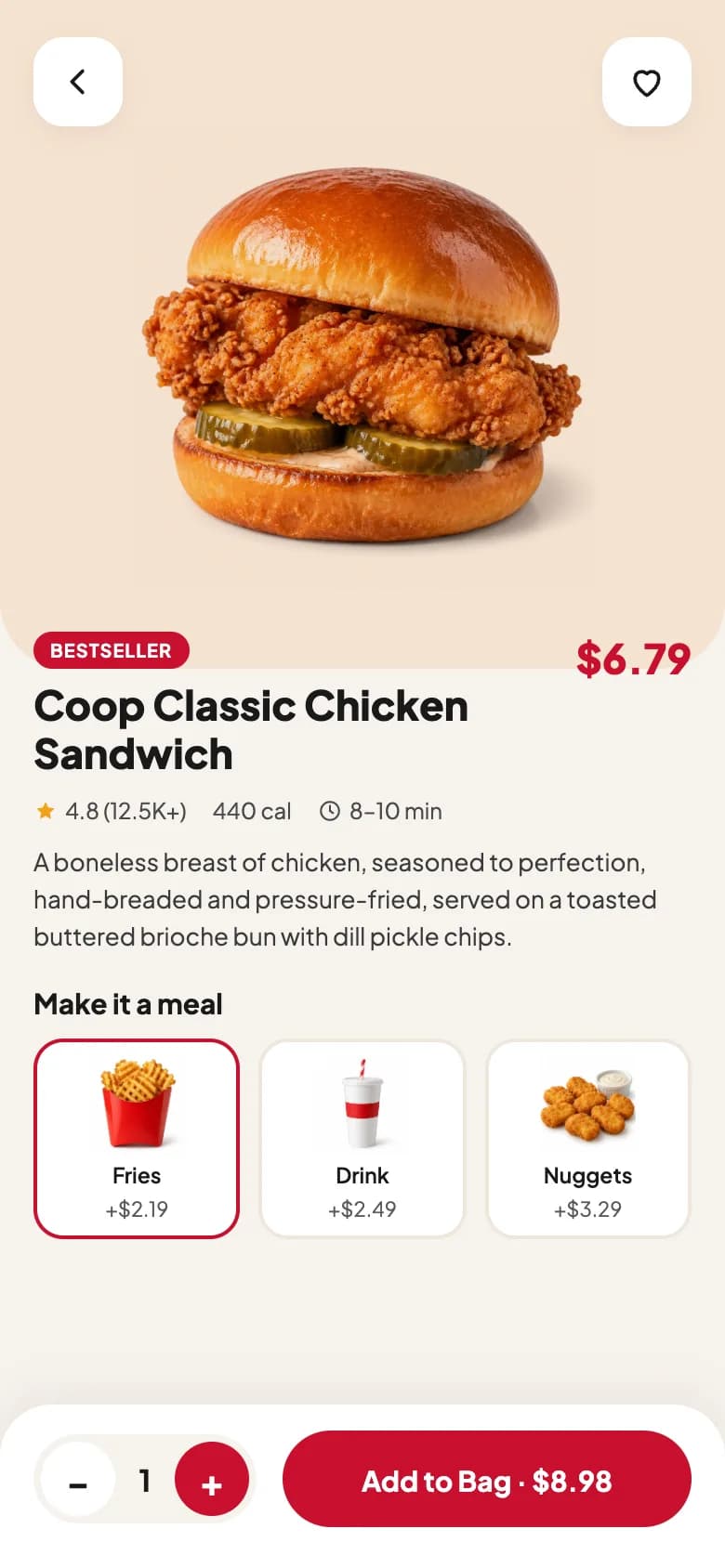
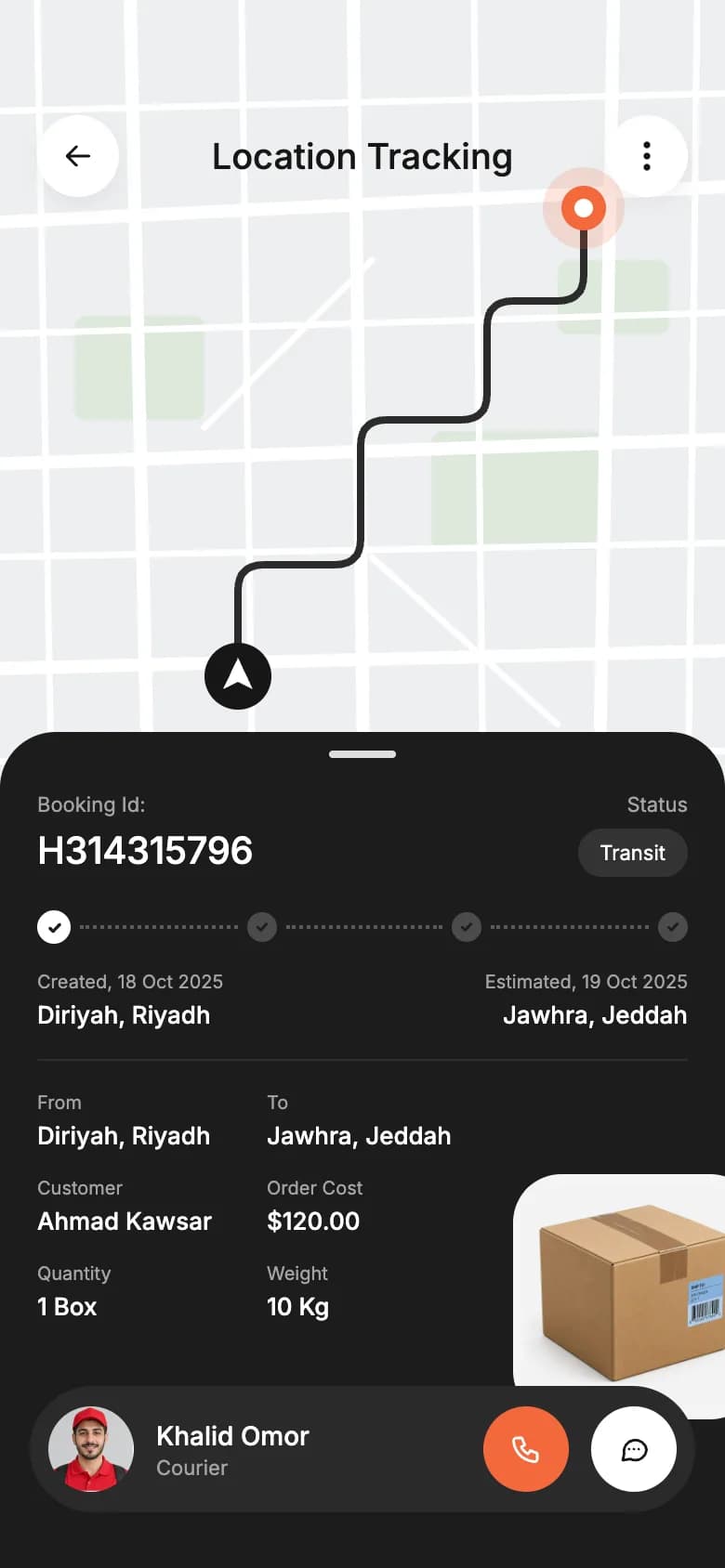
Free food delivery app UI designs with Expo code
Start from working code
Go deeper
How to Get the User's Location in Expo (expo-location Guide)
Add geolocation to Expo with expo-location: request permissions, get the current position, watch live updates and reverse-geocode to an address. SDK 54+.
How to Add Push Notifications to an Expo App (expo-notifications)
Local and push notifications in Expo: set up expo-notifications, request permissions, schedule reminders, get a push token and handle taps. SDK 54+ examples.
Expo Widgets Guide: Home Screen Widgets and Live Activities in React Native
Build iOS and Android home screen widgets and iOS Live Activities in Expo with expo-widgets: config plugin setup, Expo UI layouts, snapshots and timelines.
Deep Linking in Expo Router: Universal Links and Android App Links Guide
Set up deep links in Expo Router: custom URL schemes, iOS Universal Links, Android App Links, route params, testing with adb, and push notification routing.
How to Publish an Expo App to the App Store and Google Play (EAS Guide)
Publish an Expo app to the App Store and Google Play in 2026: app.json setup, EAS Build, signing, EAS Submit, TestFlight, store listings and common rejections.
Frequently asked questions
Can I build a food delivery app with React Native?
Yes. React Native with Expo covers everything a delivery app needs: maps, background location, push notifications, Stripe payments and realtime updates. One codebase serves the customer and courier apps on both iOS and Android.
Do I need Apple in-app purchase for food orders?
No. Food is a physical good delivered outside the app, so Apple and Google let you charge with Stripe or another card processor. In-app purchase is only required for digital goods and subscriptions used inside the app.
How does live order tracking work?
The courier app reads GPS with expo-location while a job is active and writes the position to the backend every few seconds. The customer app subscribes to that order through Supabase Realtime or Firestore and moves the map pin as updates arrive.
What should the first version of a food delivery app include?
Menus, cart, card payment, live order status, push notifications and a way for restaurants to accept orders. Leave scheduled orders, loyalty and automatic dispatch for later.
How many apps does a food delivery platform need?
Usually three: customer, courier and restaurant, plus an admin panel. If restaurants deliver their own orders, you can skip the courier app at launch.
More app development guides
E-commerce
How to Build an E-commerce Shopping App
Fitness & health
How to Build a Fitness or Health Tracking App
Banking & finance
How to Build a Banking or Personal Finance App
Real estate
How to Build a Real Estate Listing App
Social media
How to Build a Social Media App
Chat & messaging
How to Build a Chat Messaging App
Doctor booking & telehealth
How to Build a Doctor Appointment Booking App
Travel
How to Build a Travel Booking or Trip Planner App
E-learning
How to Build an E-learning App
Start here
The complete mobile app development guide