
How to Build a Banking or Personal Finance App
Short answer
Unless you hold a banking licence, a finance app is built on partners: a banking-as-a-service or bank data provider (Plaid, TrueLayer, Stripe Financial Connections, or Account Aggregator in India) for accounts and money movement, and a KYC provider for identity. The React Native and Expo app adds biometric unlock, secure token storage, clear balances and spending views. Security and compliance shape the scope more than the screens do.
Finance apps fall into two groups: budgeting and insight apps that read data from banks, and apps that move money. Reading data is far simpler. Moving money brings licences, KYC, fraud checks and audits, usually through a partner.
The mobile app itself is a careful, fast front end. This guide covers what it needs and the security practices reviewers and users expect.
Last updated November 19, 2026
Features for the first version
Secure sign-in
Email or phone with one-time codes, then biometric unlock with Face ID, Touch ID or Android biometrics.
Account linking
Connect bank accounts through the data provider's hosted flow; never collect bank passwords yourself.
Balances and transactions
Accurate balances, categorised transactions, search and pending versus posted states.
Spending insights
Monthly totals by category and a chart that answers 'where did my money go'.
Budgets or goals
Category budgets or savings goals with progress.
Transfers (if licensed via a partner)
Payee management, confirmation screens and limits.
Alerts
Push for large transactions, low balance and bill reminders.
Leave for version two
- Cards with freeze, limits and virtual cards
- Bill splitting and requests
- Investments or crypto
- Receipt capture with OCR
- AI spending assistant
Screens you'll need
- Onboarding and identity verification
- Lock screen with biometrics
- Home with balances
- Transactions list and detail
- Insights and charts
- Budgets or goals
- Transfer flow
- Security settings
Recommended tech stack
| Layer | Choice | Why |
|---|---|---|
| App | Expo + React Native + TypeScript | Native UI, biometrics and secure storage on both platforms. |
| Bank data | Plaid, TrueLayer, Stripe Financial Connections or an Account Aggregator | Licensed, hosted account linking in each region. |
| Identity | A KYC provider (e.g. Persona, Onfido, Sumsub) | Document and selfie checks you can't build yourself. |
| Secrets | expo-secure-store | Tokens in the iOS Keychain and Android Keystore, not AsyncStorage. |
| Biometrics | expo-local-authentication | Face ID, Touch ID and Android biometric prompts. |
| Screen privacy | expo-screen-capture | Block screenshots and recording on sensitive screens. |
| Backend | Your own API in front of the providers | Provider keys and webhooks stay on the server; the app never talks to them directly. |
How to build it, step by step
- 01
Decide read-only or money movement
Read-only budgeting can launch with a data provider. Moving money needs a licensed partner and takes longer.
- 02
Choose providers per region
Bank data and KYC providers are regional. Confirm coverage for your launch country first.
- 03
Design the security model
Short-lived tokens, refresh on the server, biometric re-auth for sensitive actions, session timeout.
- 04
Build account linking and transactions
Use the provider's hosted link flow and webhooks to keep transactions fresh.
- 05
Build insights and budgets
Categorise on the server so every device agrees.
- 06
Security review, then launch
Run a penetration test or at least a thorough security checklist before real users connect real accounts.
Common problems and how to avoid them
Trust
Users judge a finance app on whether numbers look right. Show pending states, last-updated times and clear errors.
Secret storage
Never put provider keys in the app bundle. Anything shipped in the app can be extracted.
Rooted and jailbroken devices
Decide your policy. Many apps warn or limit features on compromised devices.
Store review
Apple and Google ask finance apps for licence information or partner details; have them ready.
Store rules, privacy and regulation
- Money movement and deposits require a licence or a regulated partner in almost every country.
- Card data falls under PCI DSS. Let your payment or card provider handle it so it never touches your servers.
- Apple expects banking and financial services apps to be submitted by the institution that provides the service (App Store guideline 5.1.1(ix)).
- Personal loan apps on Google Play must meet the Financial Services policy, including licence declarations in some countries.
- Under GDPR and similar laws, financial data needs a clear legal basis, retention limits and export and deletion on request.
This is general guidance, not legal advice. Check the current store guidelines and local law for your market.
What drives cost and timeline
Cost depends far more on scope than on the category. These are the decisions that move a banking & finance app from a small build to a large one:
- Read-only insights versus moving money
- Number of countries, each with its own providers and rules
- Cards, which add issuing partners and dispute flows
- Security testing and audit requirements
For sourced figures, see what it costs to hire a React Native developer versus an AI app builder and the yearly cost of maintaining an app. Starting from a template or a free design cuts the screens and setup work, not the business logic.
Free banking & finance app UI designs with Expo code
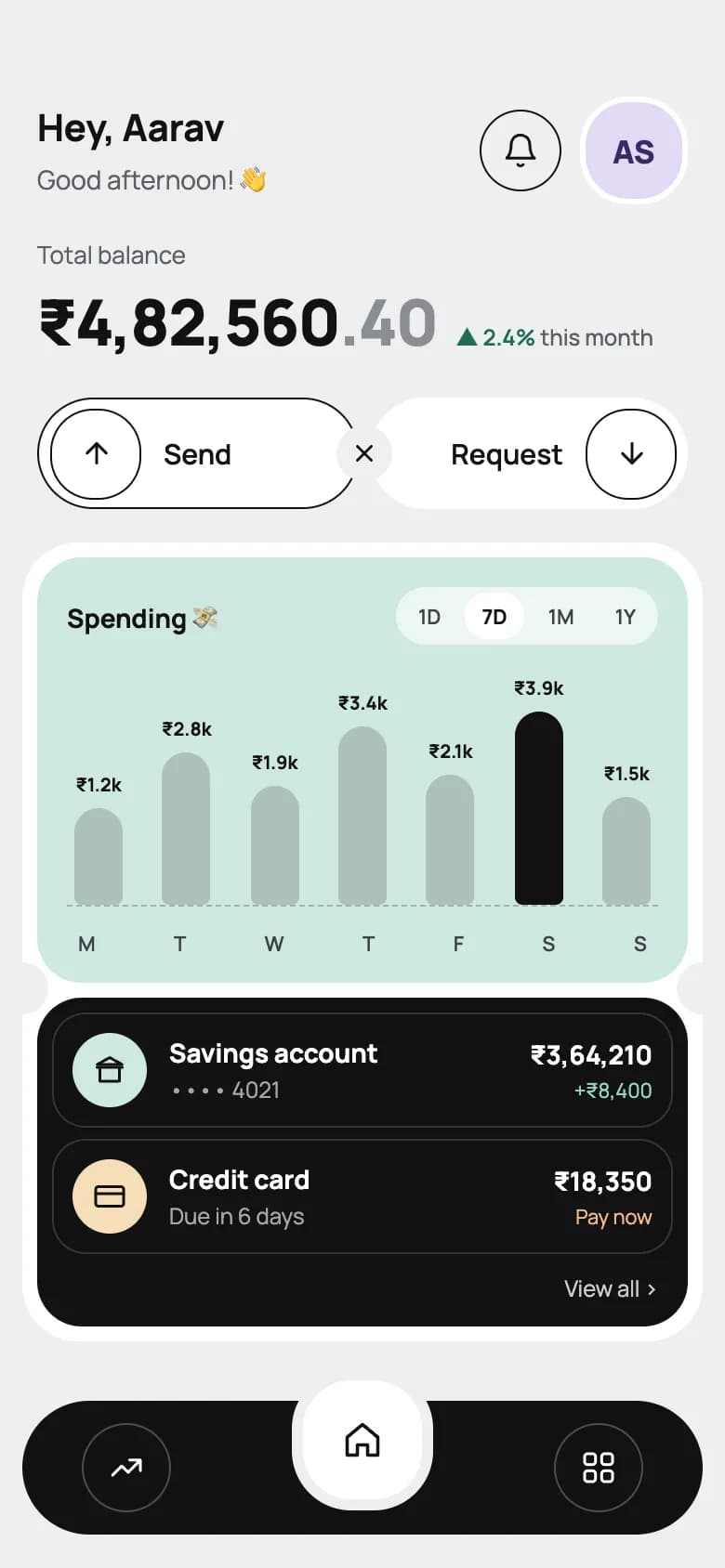
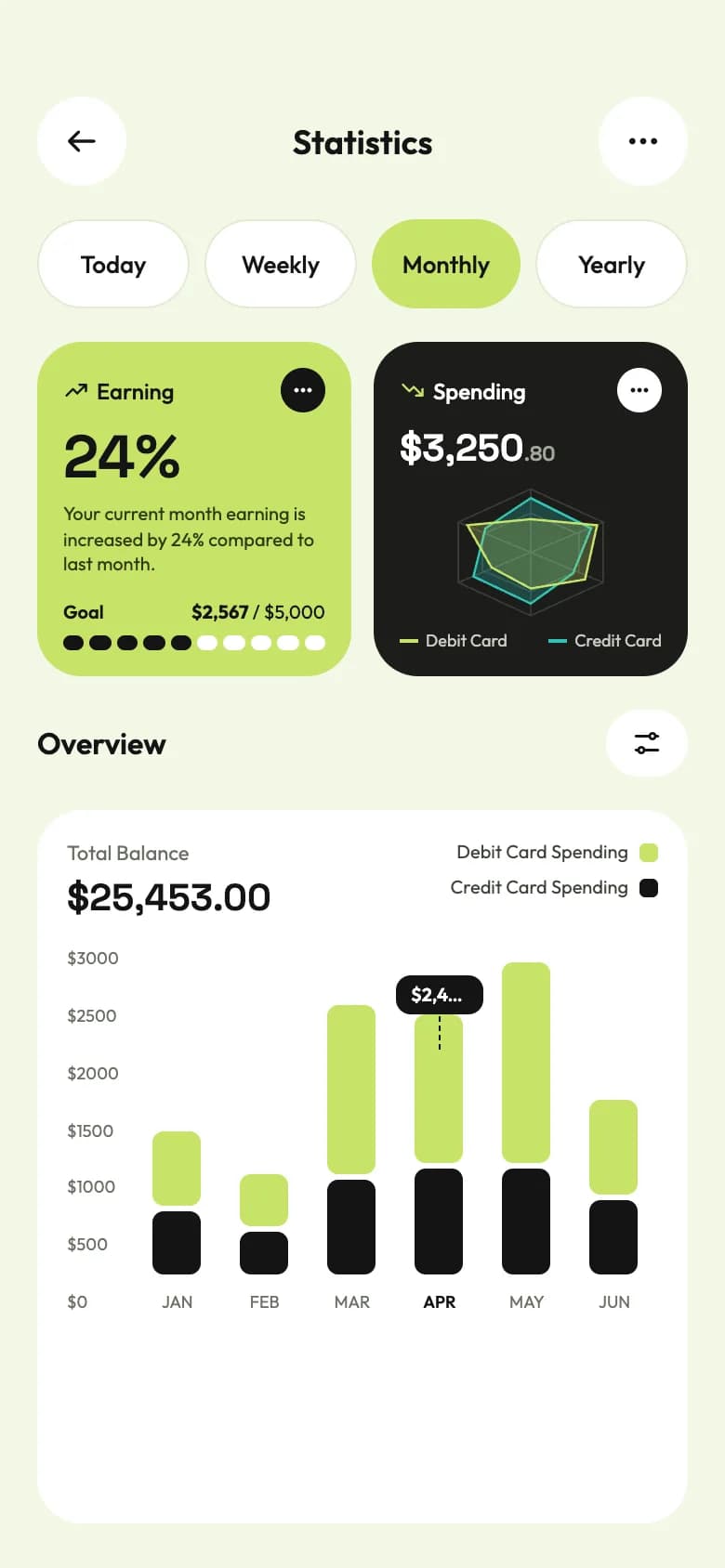
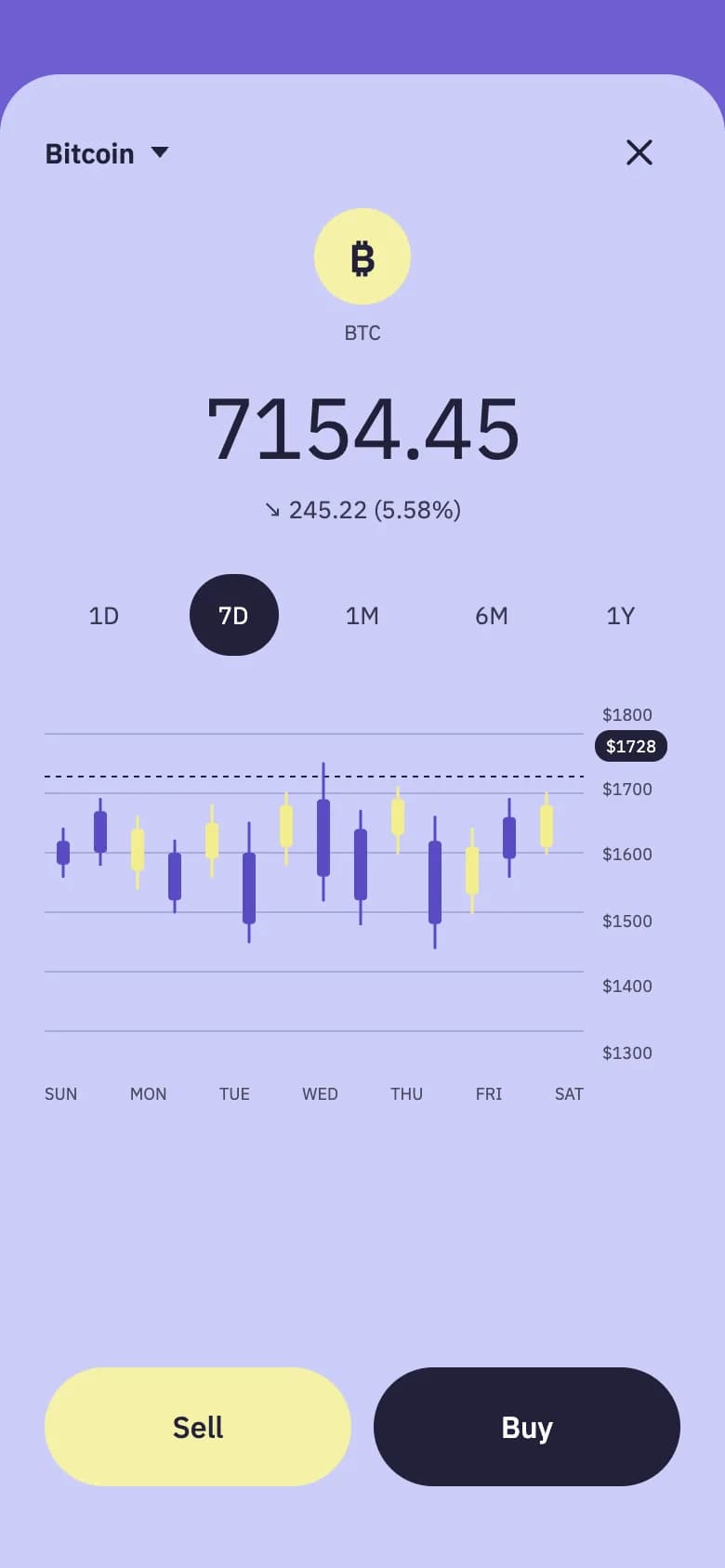
Start from working code
Go deeper
Securely Store Tokens in Expo (expo-secure-store Guide)
Store auth tokens safely in Expo with expo-secure-store, backed by the iOS Keychain and Android Keystore. Covers set, get, delete, limits and an auth pattern.
Is Your AI-Built App Secure? A 15-Point Security Checklist Before Launch
A 15-point security checklist for apps built with AI app builders and coding agents: database rules, secrets, payments, auth tokens, OTA updates and more.
How to Add Authentication to an Expo React Native App
Add authentication to an Expo app: compare Supabase, Clerk, Firebase and custom auth, walk through Supabase email and OAuth, and protect Expo Router routes.
MMKV vs AsyncStorage: Fastest Storage for React Native & Expo
MMKV vs AsyncStorage for React Native and Expo: speed, sync vs async APIs, encryption, react-native-mmkv v4 setup, Zustand persistence and when to use SQLite.
Frequently asked questions
Is React Native secure enough for a banking app?
Yes. Security comes from the architecture, not the UI framework: tokens in the Keychain and Keystore via expo-secure-store, biometric re-authentication, certificate pinning where needed, no secrets in the bundle, and all sensitive logic on the server.
Do I need a banking licence to build a finance app?
Not for a budgeting app that reads data through a licensed provider like Plaid or TrueLayer. Holding deposits or moving money needs a licence or a regulated banking-as-a-service partner.
How do finance apps connect to bank accounts?
Through open banking and bank data providers. The user signs in to their bank in the provider's hosted flow, and your server receives a token to fetch balances and transactions. The app never sees the bank password.
Where should a finance app store login tokens?
In expo-secure-store, which uses the iOS Keychain and Android Keystore. AsyncStorage and MMKV are not encrypted by default and shouldn't hold credentials.
More app development guides
Food delivery
How to Build a Food Delivery App
E-commerce
How to Build an E-commerce Shopping App
Fitness & health
How to Build a Fitness or Health Tracking App
Real estate
How to Build a Real Estate Listing App
Social media
How to Build a Social Media App
Chat & messaging
How to Build a Chat Messaging App
Doctor booking & telehealth
How to Build a Doctor Appointment Booking App
Travel
How to Build a Travel Booking or Trip Planner App
E-learning
How to Build an E-learning App
Start here
The complete mobile app development guide