
How to Build a Doctor Appointment Booking App
Short answer
A doctor appointment app matches patients to available slots and keeps both sides on time. Build it with React Native and Expo, model provider availability on the server so double bookings are impossible, send reminders with push and SMS, and add video visits through a provider such as Daily, LiveKit or Agora. If you handle health records in the US, every vendor that touches them must sign a HIPAA business associate agreement.
Booking is the core. If finding a slot and confirming it takes more than a minute, patients phone the clinic instead. Telehealth, records and prescriptions come after the booking loop works.
Healthcare also brings privacy law into the architecture. This guide covers both.
Last updated November 19, 2026
Features for the first version
Find a doctor or clinic
Search by specialty, location, language and insurance or price.
Live availability
Day and slot pickers that reflect real calendars.
Booking and rescheduling
Confirm, reschedule and cancel within the clinic's rules.
Reminders
Push and SMS before the appointment to cut no-shows.
Patient profile
Basic details, family members and visit history.
Provider side
A schedule view, blocking time off and seeing the next patient.
Leave for version two
- Video consultations
- Payments and insurance details
- Secure messaging with the clinic
- Prescriptions and lab results
- Calendar integration with practice management systems
Screens you'll need
- Patient home
- Search and doctor profile
- Slot picker
- Booking confirmation
- Upcoming visits
- Video visit
- Provider schedule
Recommended tech stack
| Layer | Choice | Why |
|---|---|---|
| App | Expo + React Native + TypeScript | Patient and provider apps from one codebase. |
| Backend | Postgres with transactional slot booking | A unique constraint per slot prevents double booking. |
| Video | Daily, LiveKit or Agora React Native SDKs | Reliable calls with HIPAA-ready plans available. |
| Reminders | expo-notifications + an SMS provider | Push for app users, SMS for everyone. |
| Calendar | expo-calendar | Add the appointment to the patient's calendar. |
| Hosting | A HIPAA-eligible cloud (if in the US) | Signed BAAs with every vendor touching health data. |
How to build it, step by step
- 01
Decide who you serve
A single clinic, a group of clinics or a marketplace. Each changes the onboarding and data model.
- 02
Model availability
Working hours, appointment types and durations, buffers and time off. Generate slots on the server.
- 03
Build booking
Book a slot inside a transaction so two patients can't take the same time.
- 04
Add reminders
Scheduled server jobs send push and SMS at set intervals before the visit.
- 05
Add the provider view
Today's schedule, patient details and quick blocking of time.
- 06
Review privacy, then launch
Check vendors, data retention and consent before real patients book.
Common problems and how to avoid them
Double booking
Enforce one booking per slot in the database, not in the app.
Time zones
Store times in UTC with the clinic's time zone; display in the patient's.
No-shows
Reminders and easy rescheduling reduce them more than penalties do.
Health data scope
The more health data you store, the more regulation applies. Store only what the booking needs at first.
Store rules, privacy and regulation
- In the US, apps handling protected health information for providers fall under HIPAA; every vendor needs a business associate agreement.
- In the EU and UK, health data is special-category data under GDPR and needs explicit consent and strong safeguards.
- Apps in regulated fields such as healthcare should be submitted by the legal entity that provides the service (App Store guideline 5.1.1(ix)).
- Don't put health details in push notification text; it shows on the lock screen.
This is general guidance, not legal advice. Check the current store guidelines and local law for your market.
What drives cost and timeline
Cost depends far more on scope than on the category. These are the decisions that move a doctor booking & telehealth app from a small build to a large one:
- Video visits
- Integration with practice management or EHR systems
- Payments and insurance
- Multi-clinic marketplace features
For sourced figures, see what it costs to hire a React Native developer versus an AI app builder and the yearly cost of maintaining an app. Starting from a template or a free design cuts the screens and setup work, not the business logic.
Free doctor booking & telehealth app UI designs with Expo code
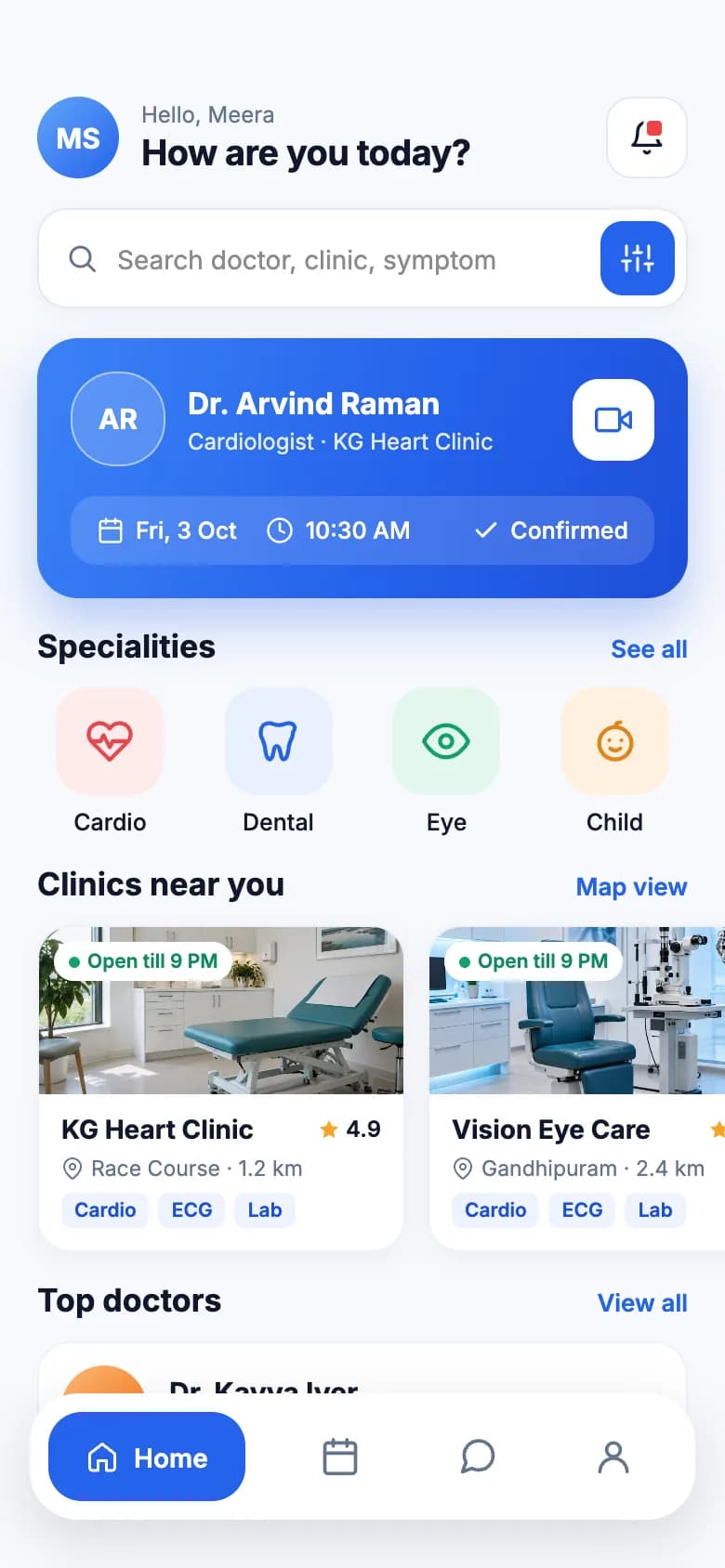
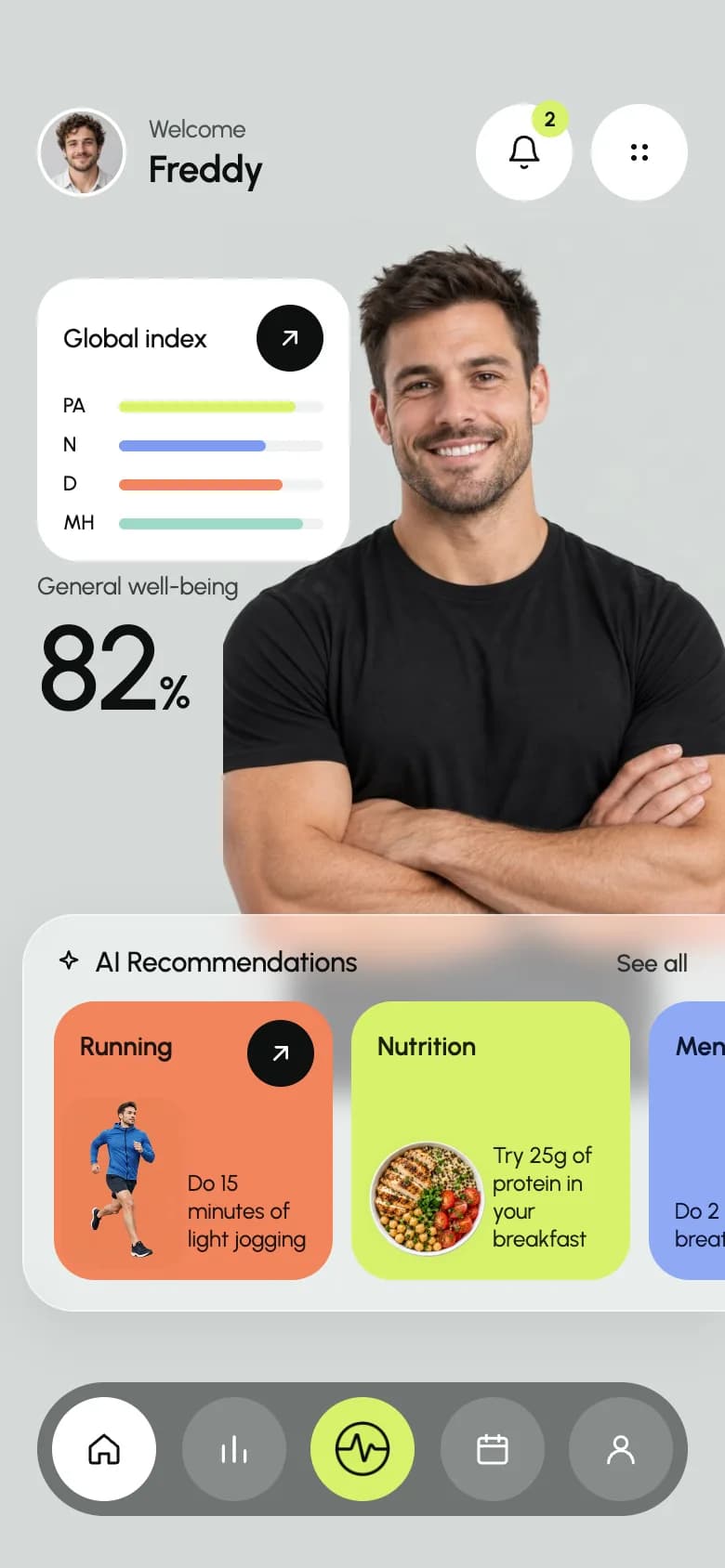
Start from working code
Go deeper
How to Add Push Notifications to an Expo App (expo-notifications)
Local and push notifications in Expo: set up expo-notifications, request permissions, schedule reminders, get a push token and handle taps. SDK 54+ examples.
How to Add Authentication to an Expo React Native App
Add authentication to an Expo app: compare Supabase, Clerk, Firebase and custom auth, walk through Supabase email and OAuth, and protect Expo Router routes.
Is Your AI-Built App Secure? A 15-Point Security Checklist Before Launch
A 15-point security checklist for apps built with AI app builders and coding agents: database rules, secrets, payments, auth tokens, OTA updates and more.
Securely Store Tokens in Expo (expo-secure-store Guide)
Store auth tokens safely in Expo with expo-secure-store, backed by the iOS Keychain and Android Keystore. Covers set, get, delete, limits and an auth pattern.
Frequently asked questions
Does a doctor appointment app need to be HIPAA compliant?
In the US, yes if it stores or transmits protected health information on behalf of healthcare providers. That means HIPAA-eligible hosting, signed business associate agreements with vendors, access controls and audit logs. A pure scheduling tool that stores minimal data has a smaller scope, but get legal advice.
How do I prevent double booking?
Book inside a database transaction with a unique constraint on provider and slot time. If two patients tap the same slot, one insert fails and that patient sees the next available time.
Can I add video consultations to a React Native app?
Yes. Daily, LiveKit and Agora all have React Native SDKs that work in an Expo development build, and offer plans suited to healthcare.
More app development guides
Food delivery
How to Build a Food Delivery App
E-commerce
How to Build an E-commerce Shopping App
Fitness & health
How to Build a Fitness or Health Tracking App
Banking & finance
How to Build a Banking or Personal Finance App
Real estate
How to Build a Real Estate Listing App
Social media
How to Build a Social Media App
Chat & messaging
How to Build a Chat Messaging App
Travel
How to Build a Travel Booking or Trip Planner App
E-learning
How to Build an E-learning App
Start here
The complete mobile app development guide